AmbiSync
A screen-synced ambient light bar you 3D print and flash in an afternoon.
Overview
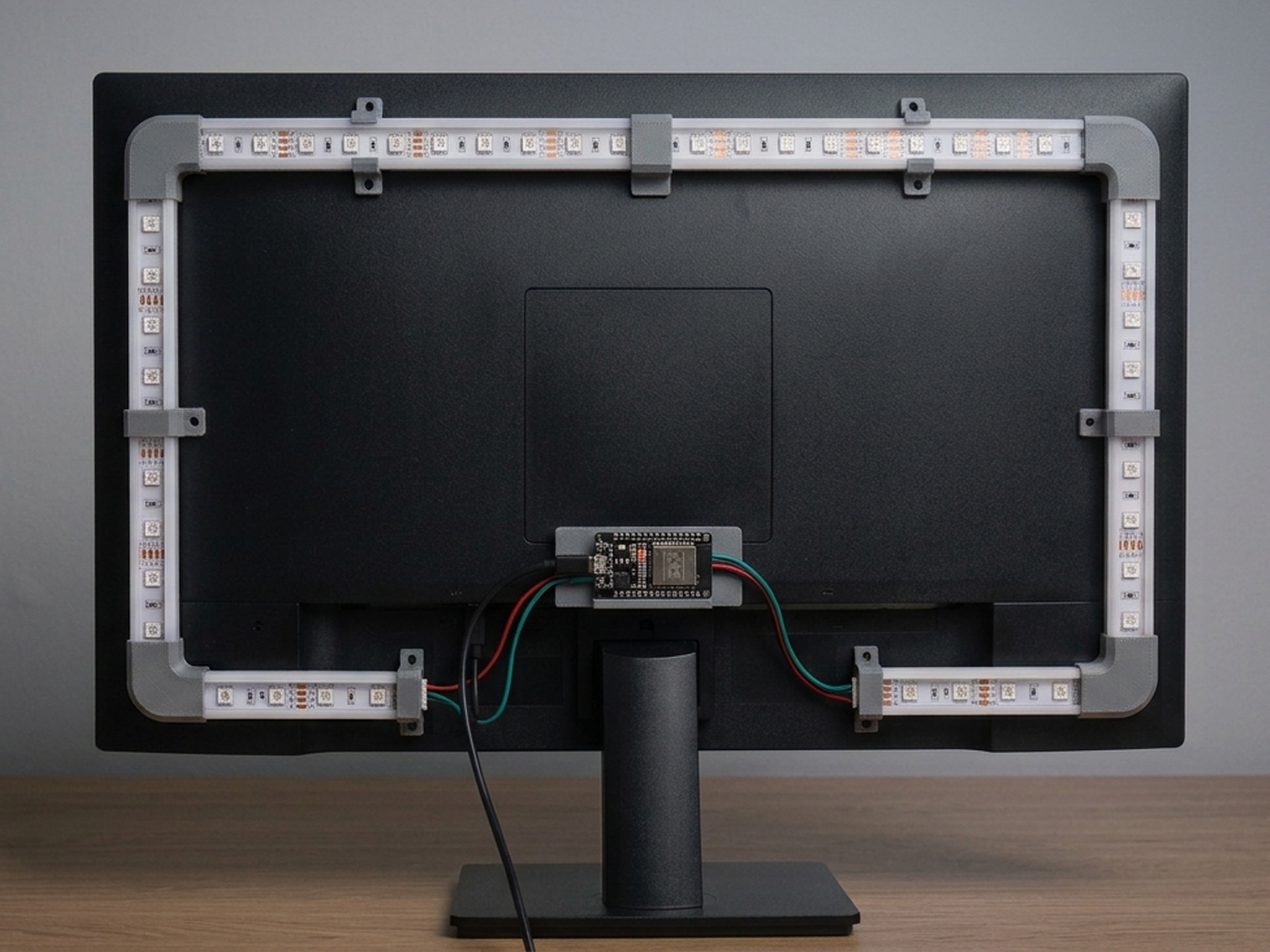
AmbiSync grabs the average color at the edges of the screen in real time and pushes it to an LED strip mounted behind the monitor, so the light in the room always matches what's on screen: no commercial Ambilight box, just an ESP32, a strip and a small capture client.
What you need
3D printed
- Diffuser channel, 4 segments
- Corner joints x4
- ESP32 mounting bracket
Software
- WLED firmware
- Custom Python capture client
- OBS Studio (optional overlay sync)
Build log
Print the diffuser channel
Four segments in PETG for heat resistance, 0.2mm layers, with small drainage gaps so the LED strip slots in without supports.
Solder and flash
Solder power and data leads to the strip, flash the ESP32 with WLED, and confirm every segment lights up individually from the WLED web UI.
Mount the strip
Press-fit the strip into the printed channel, snap the four corner joints, then mount the whole loop behind the monitor with the printed brackets.
Build the capture client
A small Python script samples the average color per screen edge at ~30fps using mss, and streams it to WLED's realtime UDP API.
Calibrate
Tune gamma and saturation in the client so lighting matches content without being harsh, and add a "movie mode" that dims saturation for dark scenes.
Result
Stable 30fps sync at roughly 120ms latency, running for three months straight without a single lockup. It's become the default setup for both work and gaming sessions.
Lessons learned
Power injection matters: a single 5V feed at one end caused visible color droop past the 90th LED, fixed by injecting power at both ends of the strip. Also, vase-mode printing needs supports disabled entirely or the strip won't slot in.